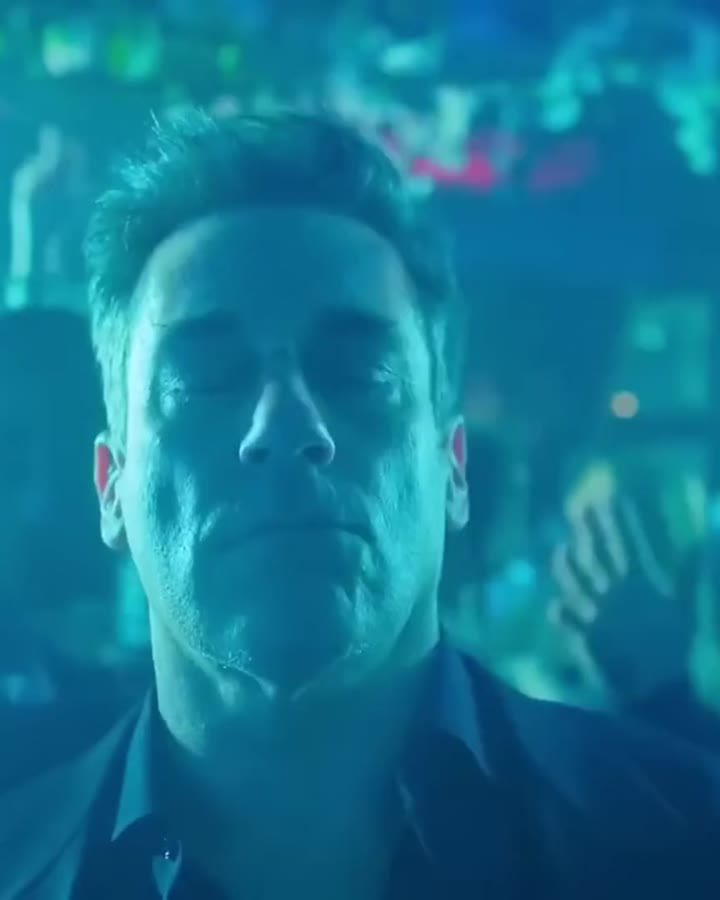
An Elf Yourself alternative where the whole elf is you
If you want something like Elf Yourself but with a real-looking elf instead of a cartoon body, open the Elf Mailroom Dance template on ReelMe and upload one clear photo. The AI turns you into Buddy the Elf, light-blue shirt and yellow tie, dancing on the mailroom table while the room cheers. It costs $3.99 for the video, takes about a minute, and there is no app to install or account to make.
How to do it in 4 steps
- Pick a template, for example Elf Mailroom Dance.
- Upload one clear photo (one per person or pet in multi-person templates).
- Pay $3.99 once. No app, no sign-up, no subscription.
- Download your video in about a minute and post it anywhere.
$3.99 per video · ready in about 1 minute · automatic refund if it fails
Pick a template
 1.5M views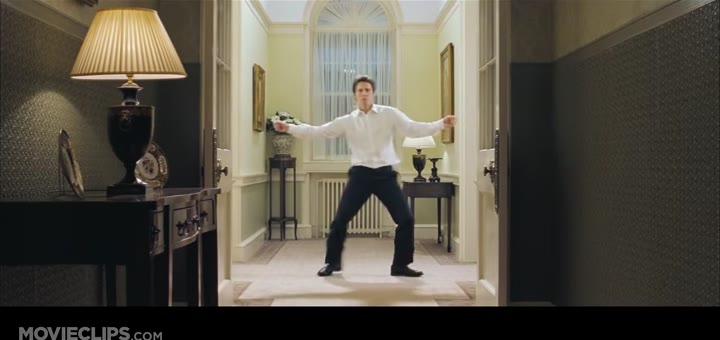
 12M views
Elf Yourself started in 2006 as a holiday promotion for OfficeMax: you uploaded a few photos, cropped out the faces and they bounced around on cartoon elf bodies. It became one of the first big viral Christmas sites, and it still comes back every December, now run with JibJab. A lot of people searching "elf yourself free" or "jibjab christmas" are really after that same feeling: a silly dancing elf that looks like them or their family, ready to send before the holidays.
The two tools do different things, and it is worth being fair about it. Elf Yourself keeps a free basic version, and JibJab sells a membership if you want more scenes and features. Its look is a cut-out head on an animated body, which is part of the charm and works well for group e-cards with four or five faces. ReelMe does not paste a head on a cartoon. It recreates a real movie scene with your whole person in it: your hair, your build, your clothes reshaped into Buddy's outfit, moving like Will Ferrell did on that table. If you want a free e-card, Elf Yourself is the obvious pick; if you want something that looks like an actual clip of you being an elf, this is the other route.
For "put my face on a dancing elf", the photo matters more than anything. Use a front-facing shot with your face fully visible and good light; a phone selfie at arm's length is enough. Waist-up or full-body photos help the AI get your height and shoulders right. Avoid sunglasses, heavy filters and group shots where someone else's arm crosses your face. You can make one for each family member and send them as a set.
If one elf is not enough Christmas, the same steps work for the Dancing Prime Minister scene from Love Actually and for Mariah Carey's "It's time!" defrost video, so you can build a small holiday series from the same selfie.
ReelMe at a glance
- What it is
- ReelMe is a web app with ready-made viral video templates. You upload a photo and the AI puts you, your partner or your pet in place of the person or animal in the clip.
- Price
- $3.99 per video, one-time payment. No subscription, no credits, no free tier.
- Account
- None. No sign-up, no app to install; works in any modern phone or desktop browser.
- Input
- One clear photo per person or pet (JPG, PNG or WebP). Some templates have 2 or 3 spots.
- Output
- An MP4 of the template clip with the original audio and no watermark, on a private link kept for 30 days.
- Speed
- Usually about one minute after payment.
- Templates
- 56 trends: dances, music video scenes, movie and TV moments, memes, couple and pet trends.
- Refunds
- Automatic full refund if generation fails; refund on request within 14 days.
- Limits
- You cannot upload your own motion video or write a prompt; only the listed templates are available. Results depend on the photo, and one video is generated per payment.
FAQ
Is Elf Yourself still free?
Elf Yourself has kept a free basic version during the holiday season, with a paid JibJab membership for extra scenes and features. Check their site for the current offer, since it changes from year to year.
What is the difference between Elf Yourself and a ReelMe elf video?
Elf Yourself puts a cut-out of your face on a cartoon elf body. ReelMe recreates the Buddy the Elf mailroom dance from the movie Elf with your whole appearance in Buddy's place, so it looks like live-action footage rather than an animation.
Can I put my face on Buddy the Elf?
Yes. The Elf Mailroom Dance template replaces the tall man in the light-blue shirt and yellow tie dancing on the table with the person in your photo.
Can I make an elf video for my whole family?
Each video has one elf, so make one per person from separate photos. Many people send them as a series in the family chat or on a holiday card page.
Can I make an elf video for a birthday?
Yes, nothing ties it to December. Upload the birthday person's photo (with their okay) and add your own caption when you share it.
How much does it cost and how long does it take?
$3.99 per video, paid once by card, Apple Pay or PayPal. It is ready in about a minute, and if the generation fails you are refunded automatically.
Related guides
- The Elf mailroom dance scene, starring you as Buddy
- Make an AI Christmas video with your face (or your pet's)
- Mariah Carey's "It's time!" meme, with you in the Santa dress
- The Love Actually dance scene, with you as the Prime Minister
- Put your face in a video, online
Updated 2026-11-01