Make an AI Christmas video with your face (or your pet's)
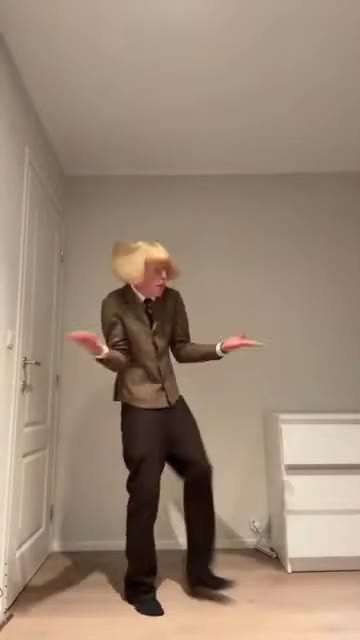
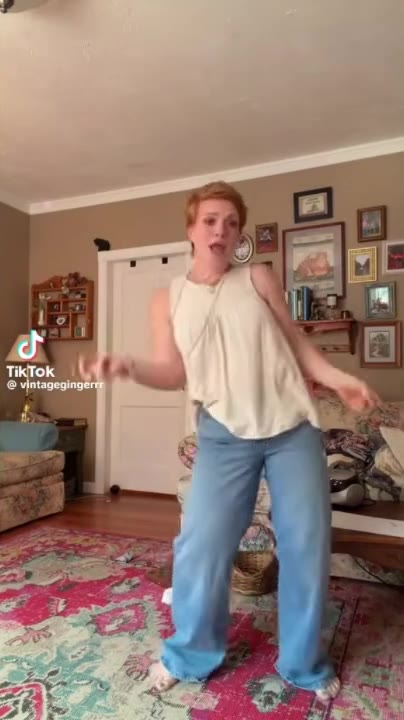
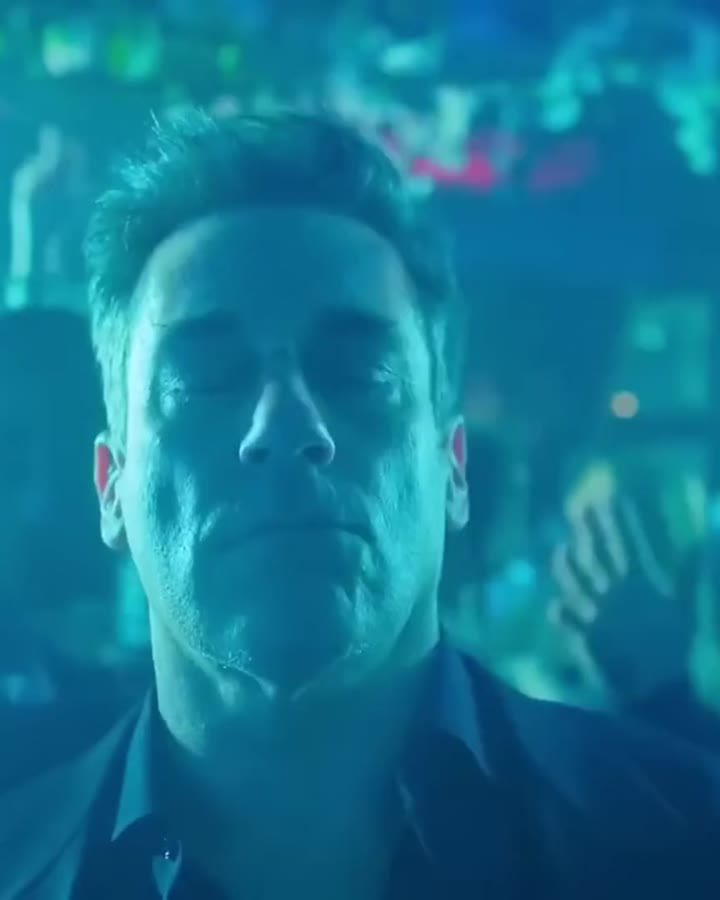
To make a Christmas video starring you, pick one of ReelMe's holiday templates, such as Buddy the Elf's mailroom dance, Mariah Carey's "It's time!" or the Love Actually Prime Minister dance, and upload a single photo. The AI recreates the scene with you in it and keeps the original audio. Each video is $3.99 and ready in about a minute, with nothing to edit.
How to do it in 4 steps
- Pick a template, for example Elf Mailroom Dance.
- Upload one clear photo (one per person or pet in multi-person templates).
- Pay $3.99 once. No app, no sign-up, no subscription.
- Download your video in about a minute and post it anywhere.
$3.99 per video · ready in about 1 minute · automatic refund if it fails
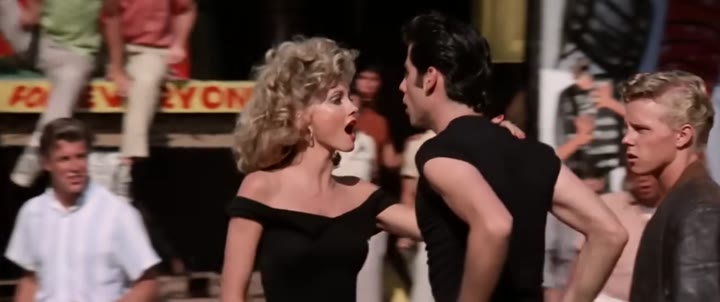
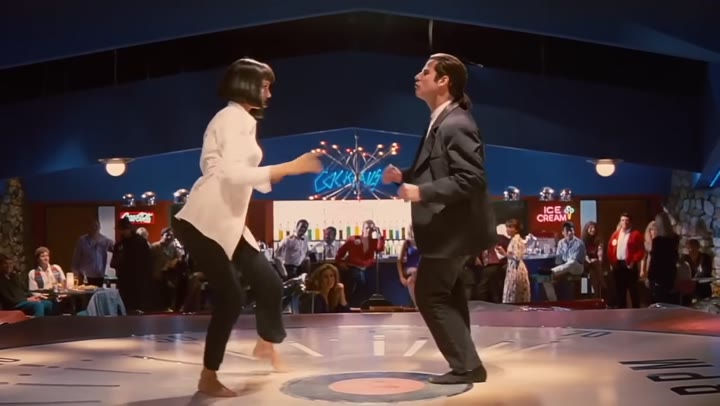
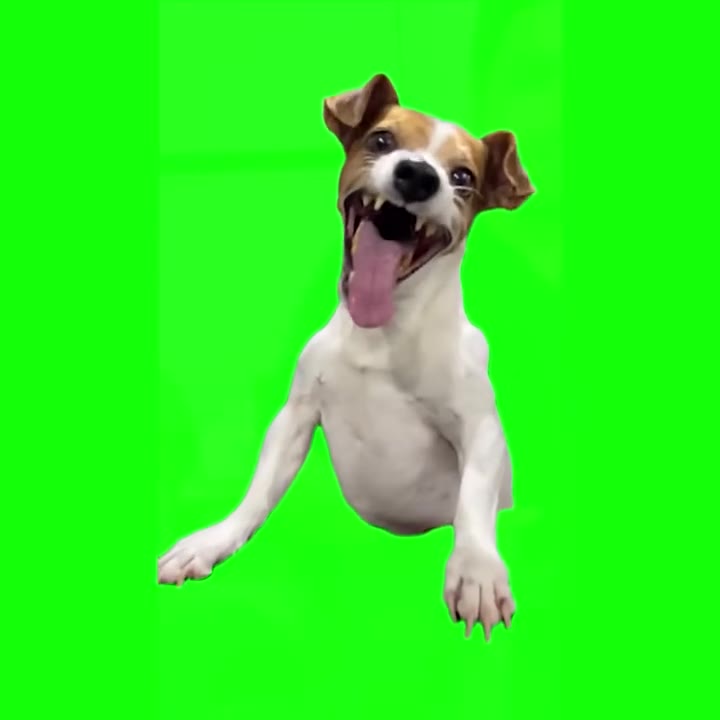
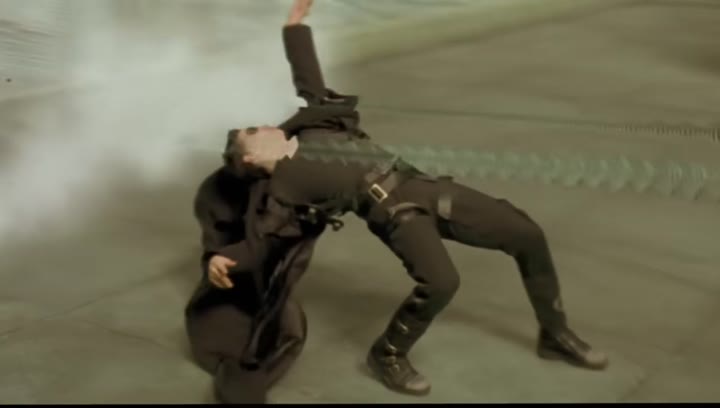
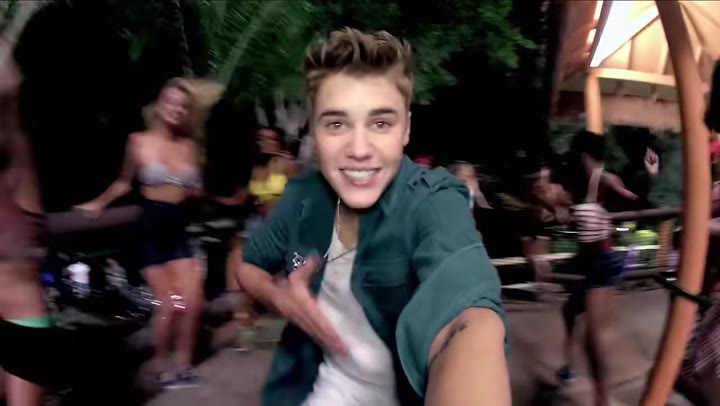
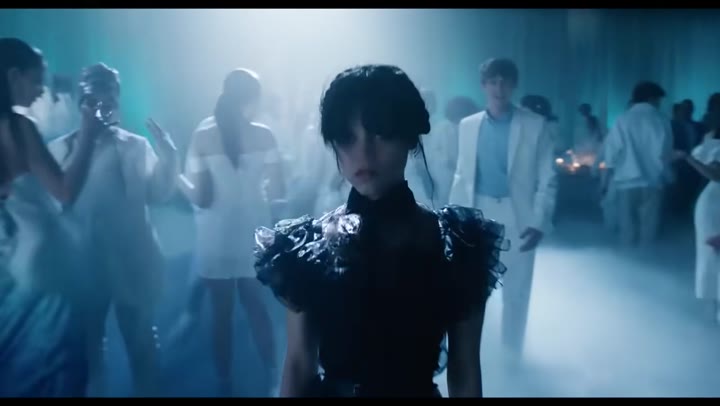
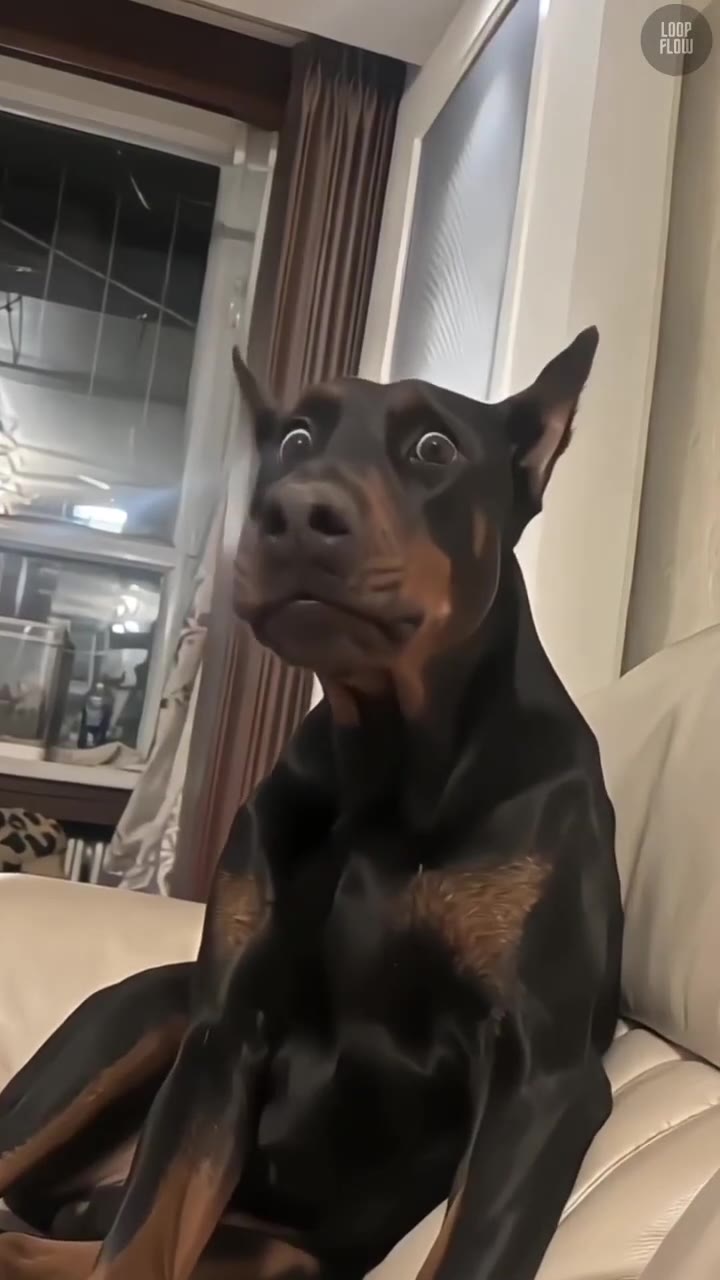
Pick a template
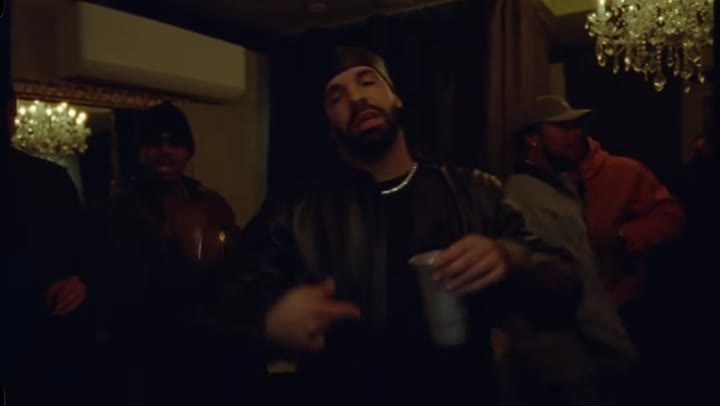
 1.5M views
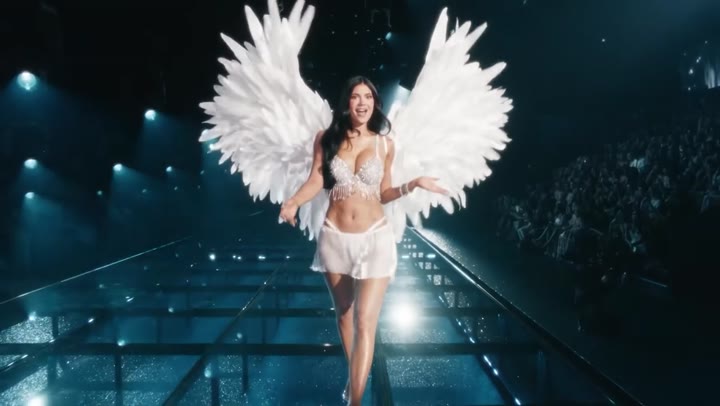
 12M views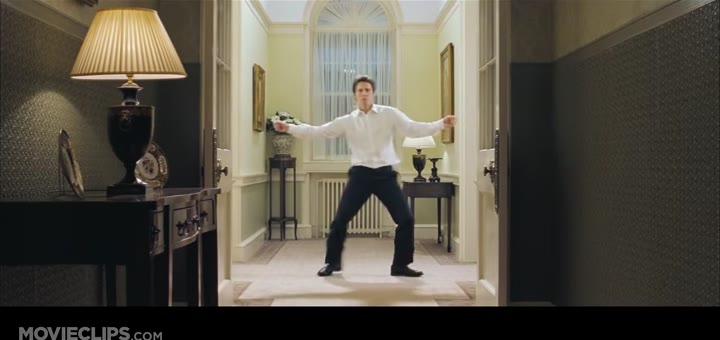
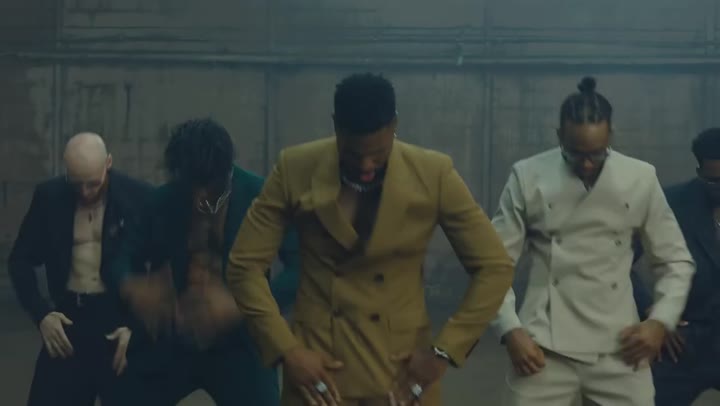
 79.5M views
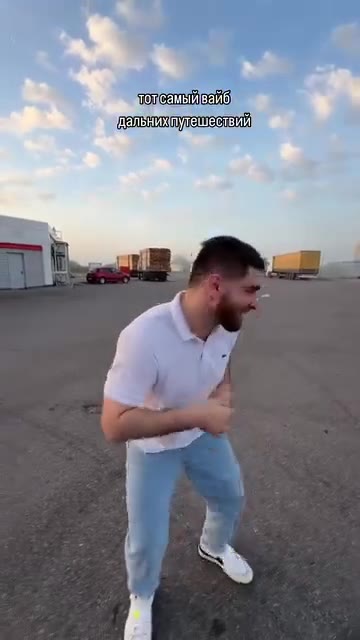
 2M views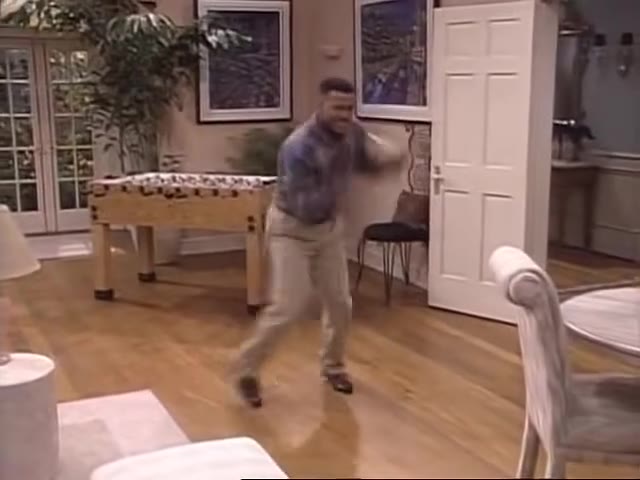
People looking for an "ai christmas video" usually want one of two things: something funny to post in December, or something personal to send to family instead of a card. The famous Christmas film and pop moments do both well because everyone already knows them. A grandparent in Buddy's yellow tie, a sister as Mariah on the snowy mountaintop, or a dad doing the Downing Street dance gets more replies in the family chat than a still photo with a Santa hat sticker.
If you were searching "christmas capcut template", the honest difference is this: a CapCut template is a pre-built edit that you fill with your own photos or clips, with transitions, text and music already set. That is great for slideshows of your year. It cannot put you inside the Elf mailroom scene, because the footage of you doing that does not exist yet. ReelMe generates that footage from your photo, so you skip filming and editing.
One thing ReelMe does not do is make Santa talk to your child by name. Personalised Santa message videos are a different product, built around a recorded Santa greeting. Here you are the star of a known scene, not the audience of a message.
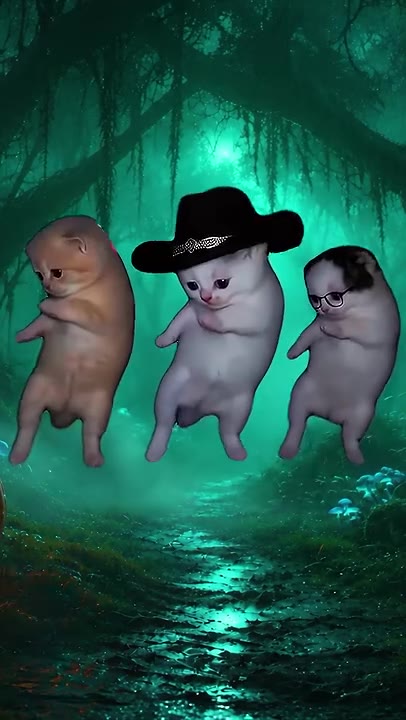
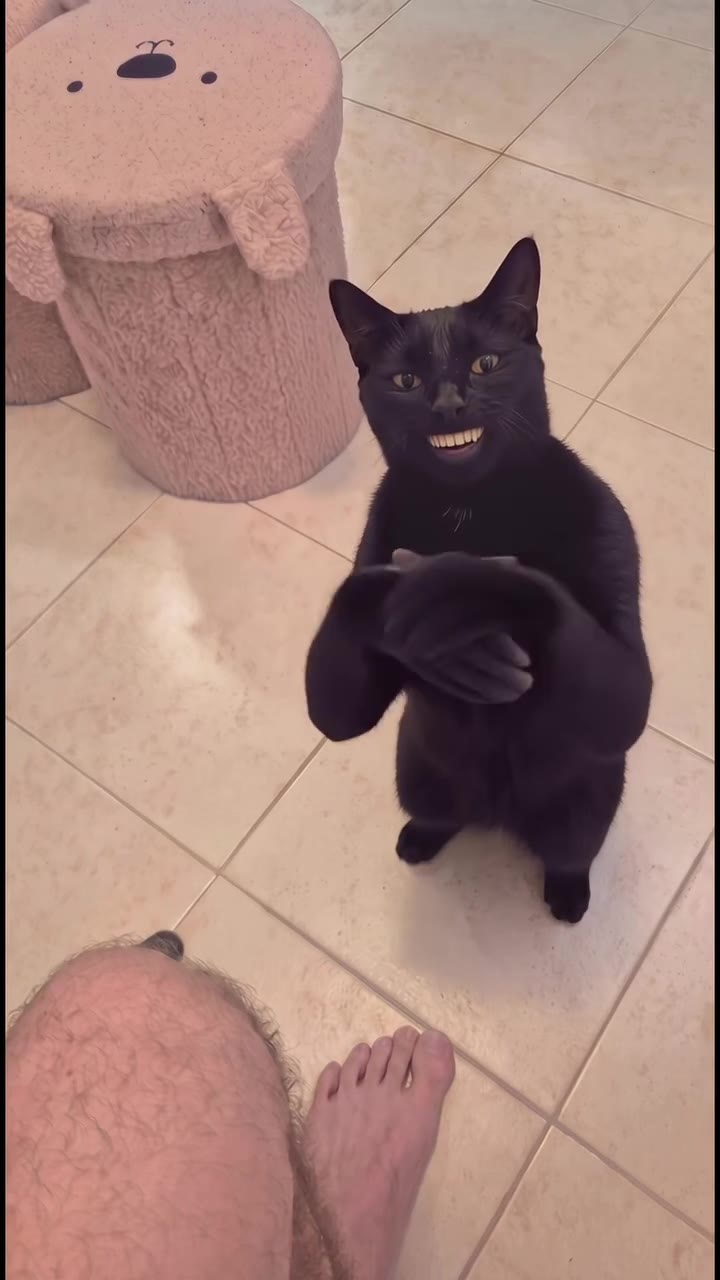
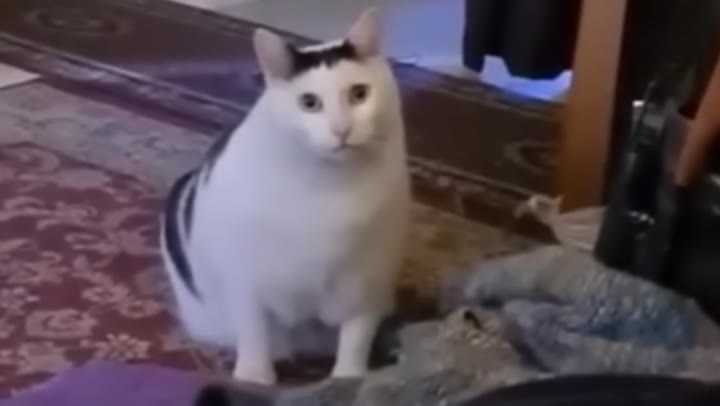
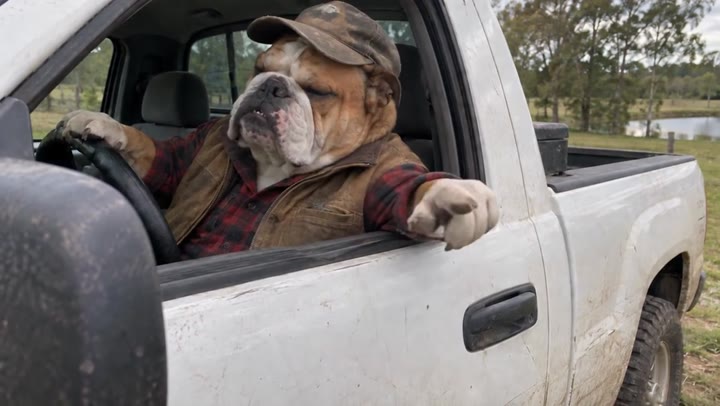
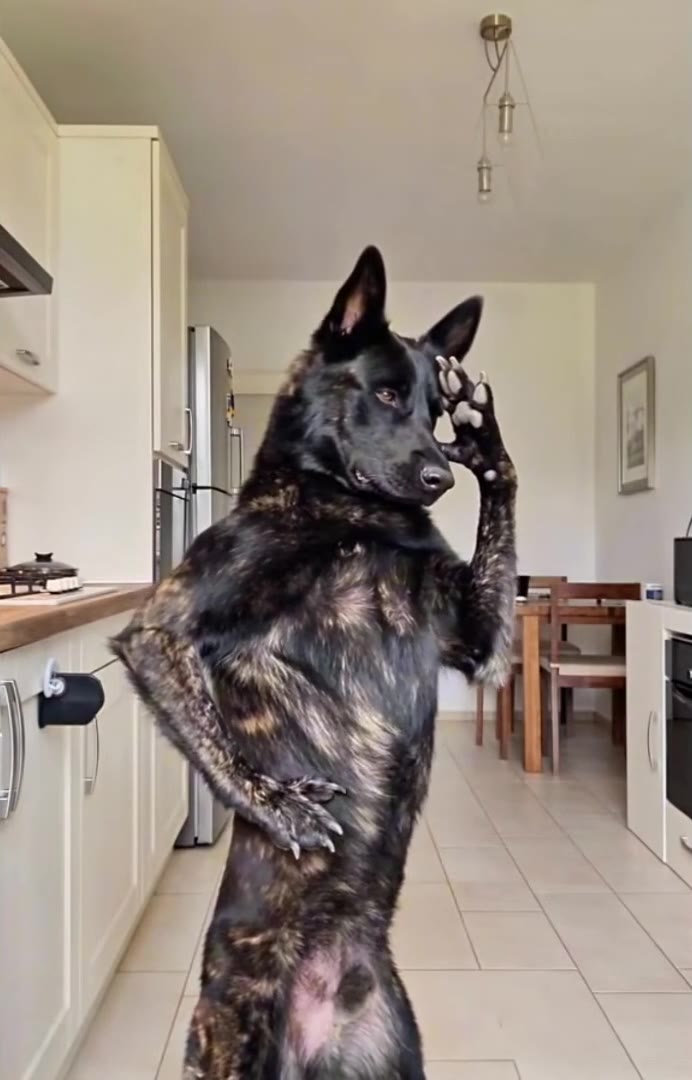
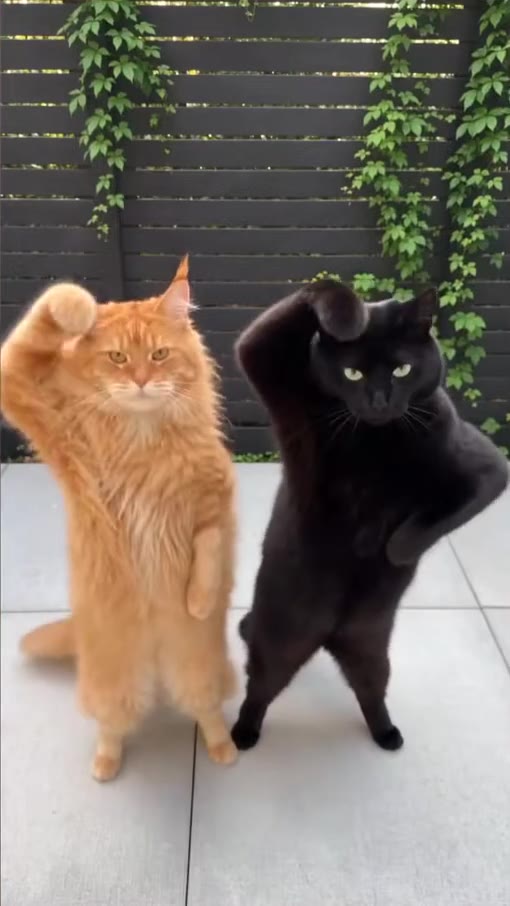
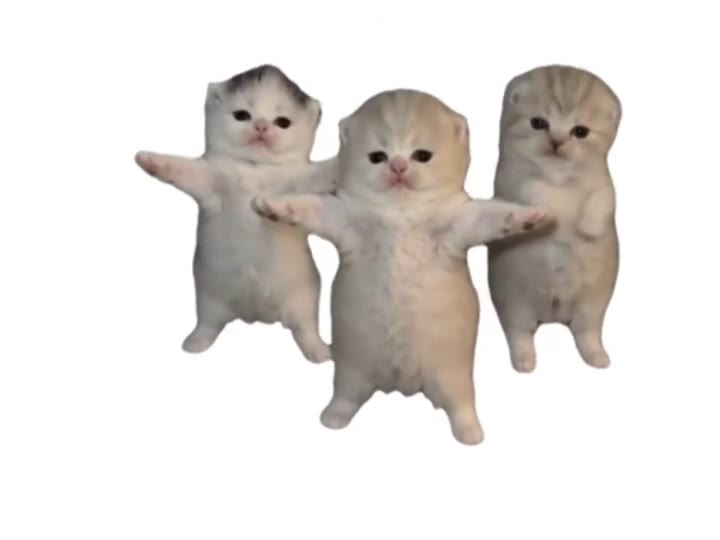
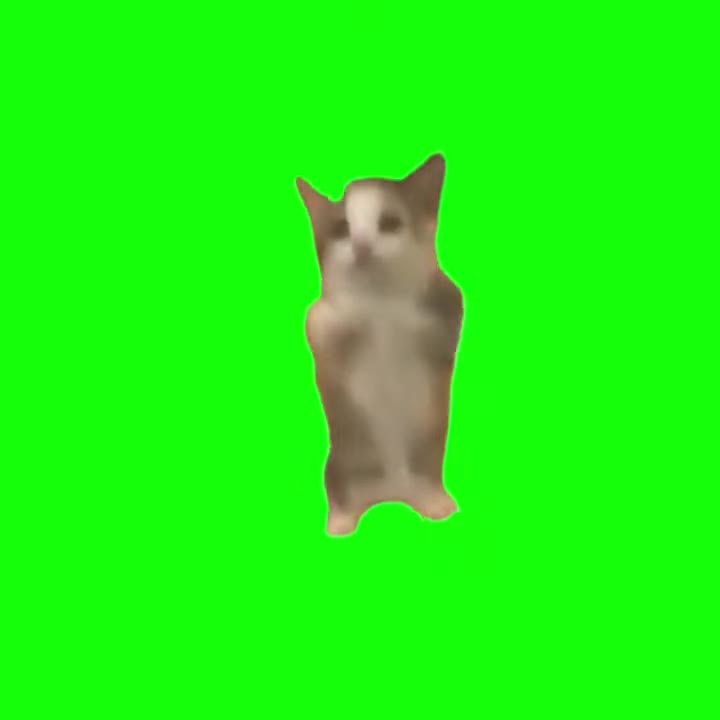
Pets count too. If your Christmas card usually features the cat, the Three Kittens and Happy Happy Happy Cat templates turn its photo into a dancing or hopping clip. For pets, use a sharp photo with the face and front legs visible. For people, a front-facing photo in good light works best; take off sunglasses, and if you want a festive caption, add it when you post.
ReelMe at a glance
- What it is
- ReelMe is a web app with ready-made viral video templates. You upload a photo and the AI puts you, your partner or your pet in place of the person or animal in the clip.
- Price
- $3.99 per video, one-time payment. No subscription, no credits, no free tier.
- Account
- None. No sign-up, no app to install; works in any modern phone or desktop browser.
- Input
- One clear photo per person or pet (JPG, PNG or WebP). Some templates have 2 or 3 spots.
- Output
- An MP4 of the template clip with the original audio and no watermark, on a private link kept for 30 days.
- Speed
- Usually about one minute after payment.
- Templates
- 56 trends: dances, music video scenes, movie and TV moments, memes, couple and pet trends.
- Refunds
- Automatic full refund if generation fails; refund on request within 14 days.
- Limits
- You cannot upload your own motion video or write a prompt; only the listed templates are available. Results depend on the photo, and one video is generated per payment.
FAQ
Is there a free AI Christmas video generator?
Some apps give a few free credits or watermarked previews, and general image-to-video tools can make festive clips if you write a prompt and retry. ReelMe is not free: it charges $3.99 per finished video, with no watermark and an automatic refund if it fails.
Is there a CapCut Christmas template that puts my face in a movie scene?
CapCut templates arrange photos and clips you already have. To appear inside a scene like the Elf table dance, the footage has to be generated, which is what ReelMe does from one photo.
Can I make a Santa video for my kids?
ReelMe does not make personalised Santa messages. You can put a family member into a Christmas scene such as the Elf dance; if it is a child, use a photo you have the right to use and keep the video private.
Can I put my cat or dog in a Christmas video?
Yes. Use a pet template like Three Kittens or Happy Happy Happy Cat with a clear photo of your pet, then add a Merry Christmas caption when you share it.
Which Christmas template should I choose?
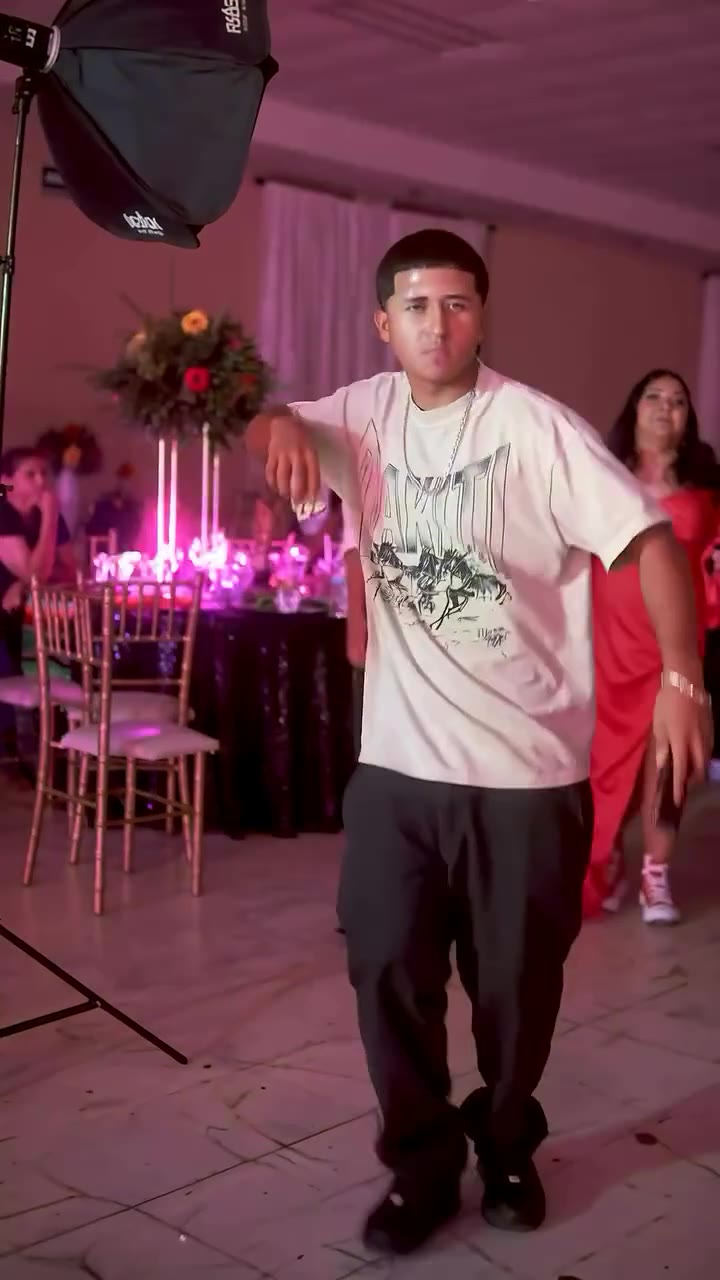
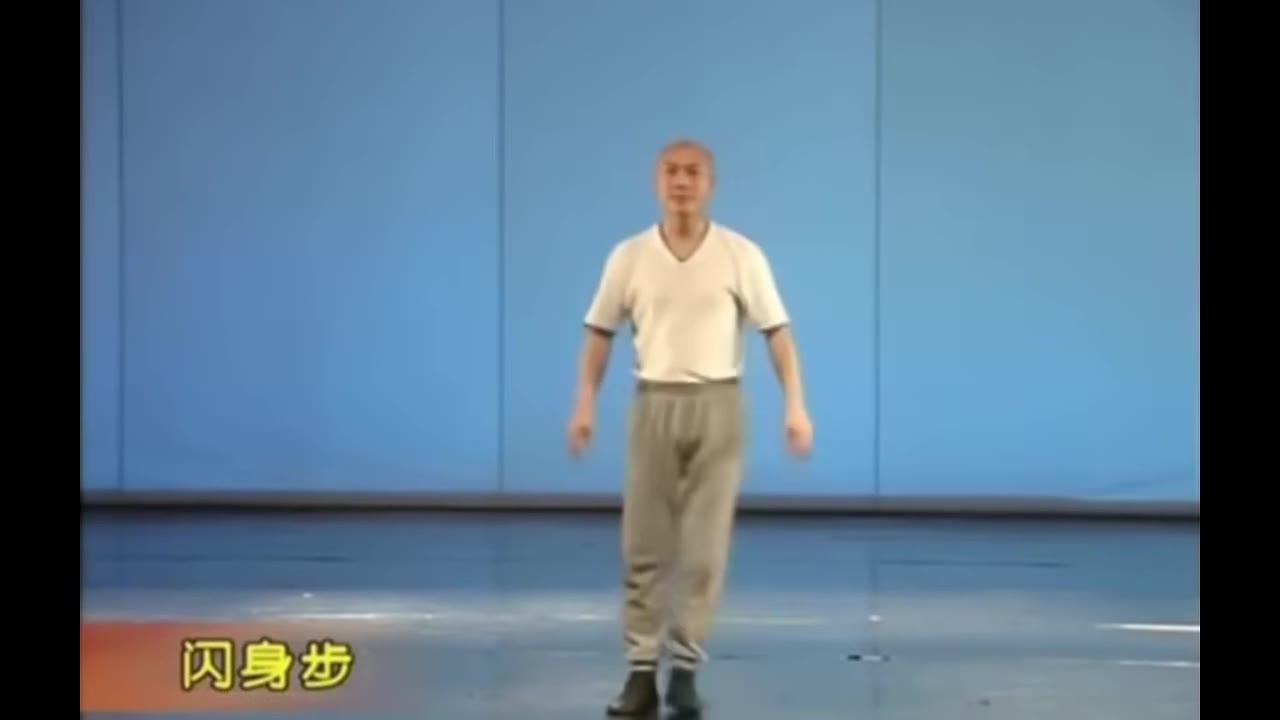
Elf Mailroom Dance for office-party chaos, It's Time! for the November 1 Mariah moment, Dancing Prime Minister for a dad-dance classic, and The Carlton for pure goofy energy.
Related guides
- An Elf Yourself alternative where the whole elf is you
- Mariah Carey's "It's time!" meme, with you in the Santa dress
- The Elf mailroom dance scene, starring you as Buddy
- The Love Actually dance scene, with you as the Prime Minister
- Make your pet dance with AI
Updated 2026-11-01