How to do the STORM AI trend: three methods, honestly compared
If all you want is to be the Yung Lean figure in STORM, upload one clear photo to the STORM template on ReelMe and pay $3.99. You get the cigarette close-up, the turn into the crowd and the students dancing around you, with the original track, in about a minute. That's the fastest way. Below we compare it with the two other methods people use, prompt tools and CapCut, so you can pick the one that suits you.
How to do it in 4 steps
- Pick a template, for example STORM (Yung Lean).
- Upload one clear photo (one per person or pet in multi-person templates).
- Pay $3.99 once. No app, no sign-up, no subscription.
- Download your video in about a minute and post it anywhere.
$3.99 per video · ready in about 1 minute · automatic refund if it fails
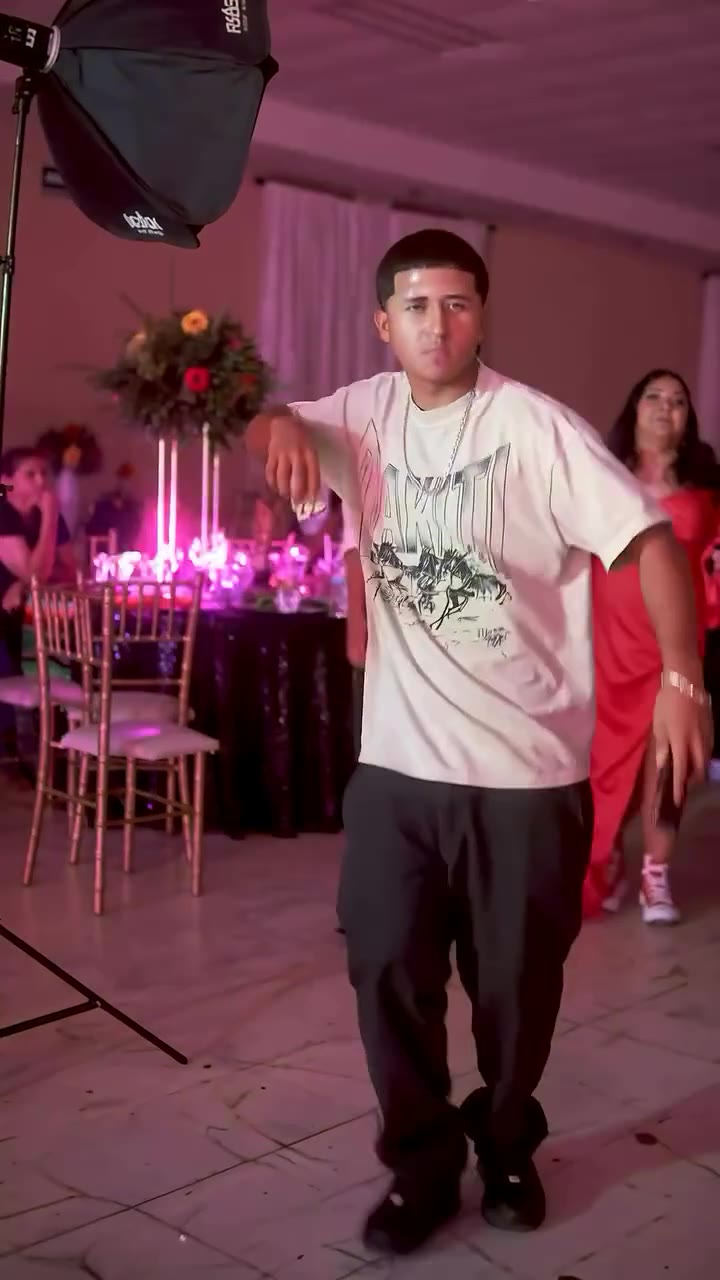
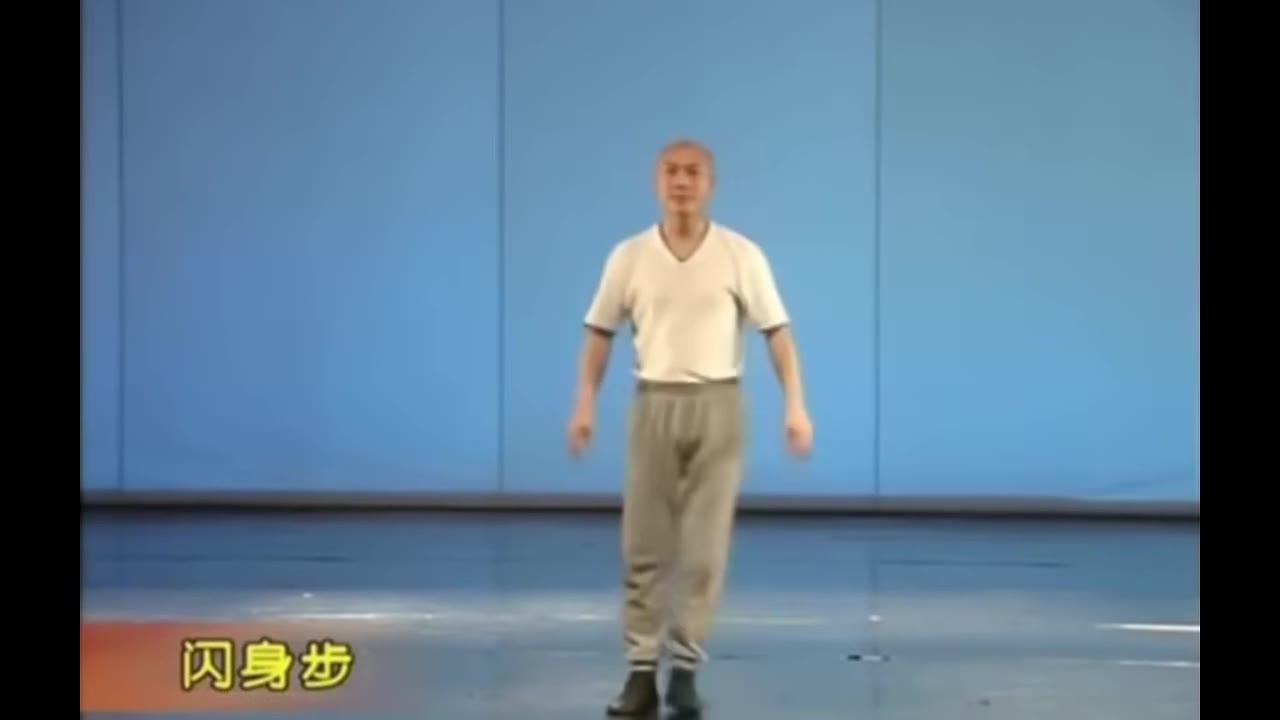
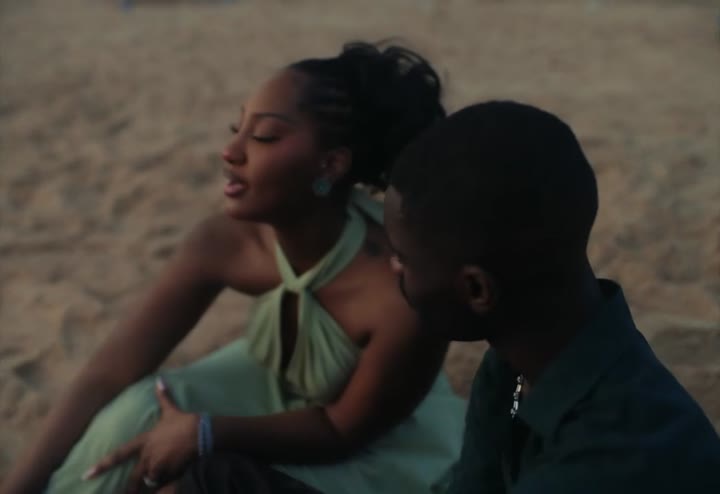
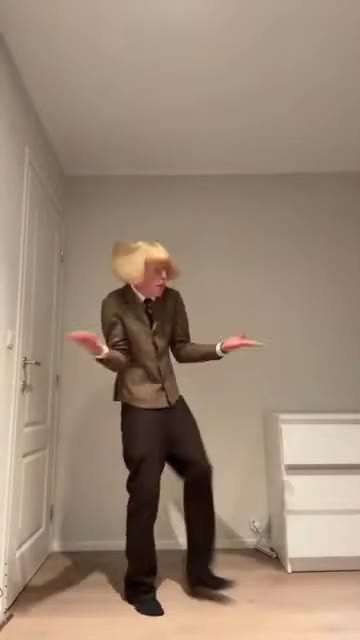
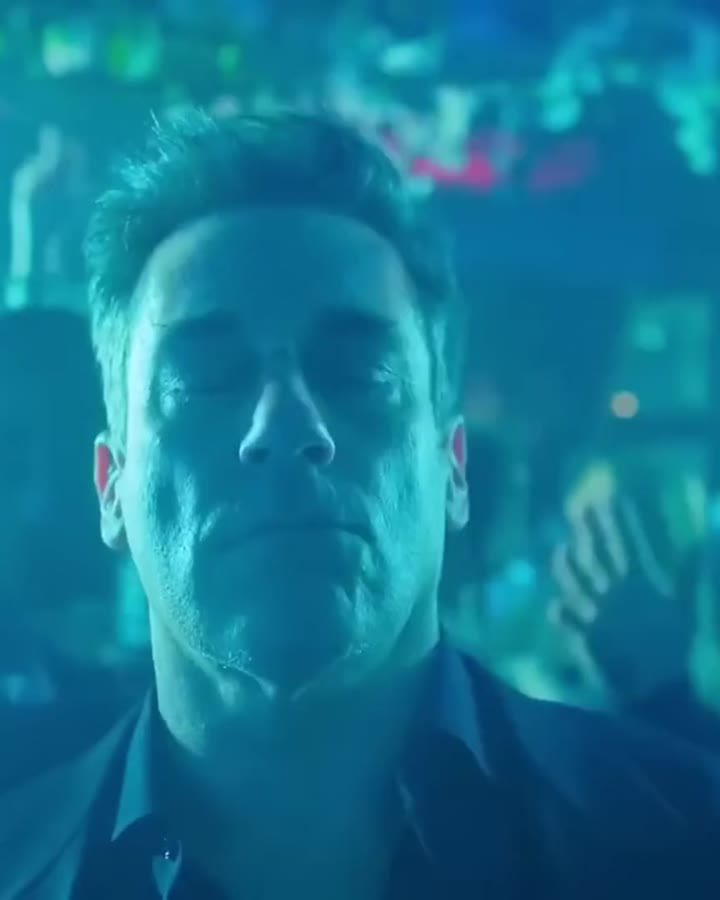
Pick a template
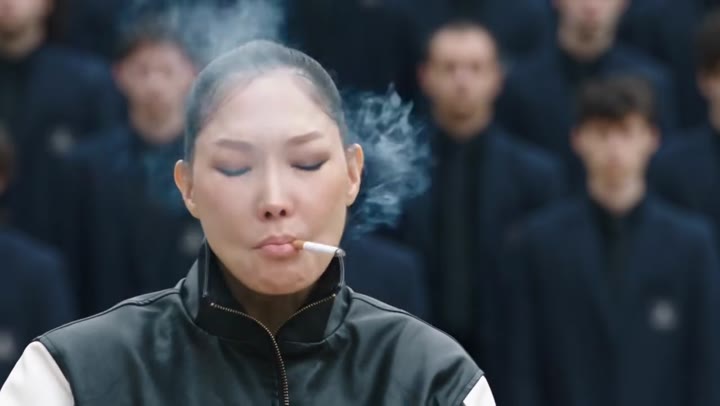 43M views
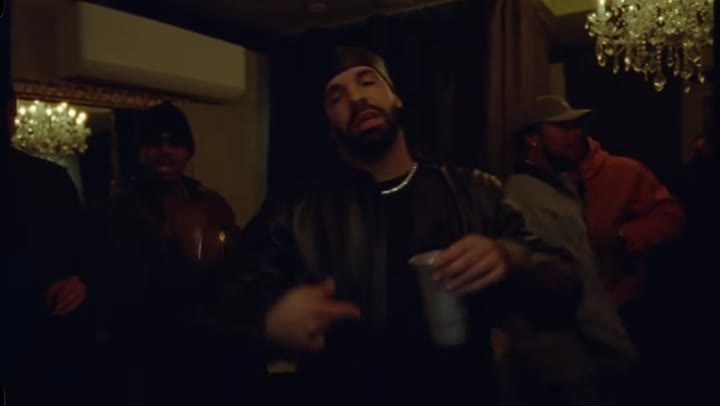 29M views
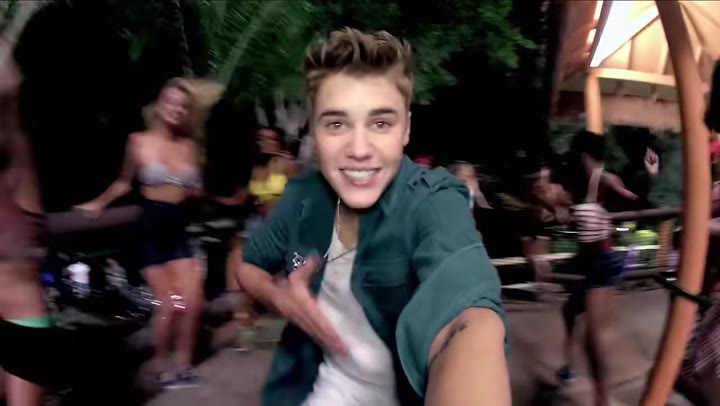 1.3B views
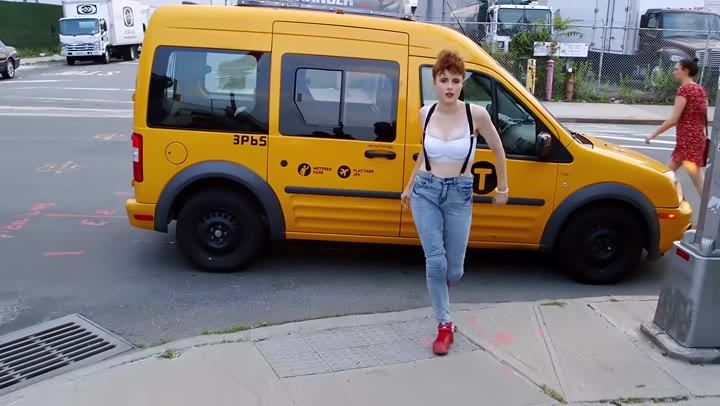 336M views
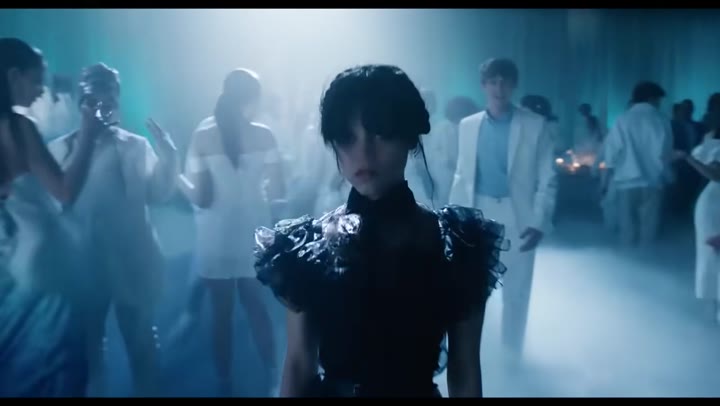
STORM is a GENER8ION track (the duo of director Romain Gavras and producer Surkin) with Yung Lean, released in April 2026. Gavras directed the video, which is set in a near-future British boarding school, and Damien Jalet choreographed it. Yung Lean barely moves while hundreds of uniformed students jerk and surge around him, and that stillness against the chaos is the shot people want to copy. The release came in two parts, which is why you'll also see "STORM II" in captions and searches.
Method 1: prompt or motion-reference AI tools. Many of the viral remakes credit Higgsfield, and other editors suggest a character sheet plus a motion reference: you build a reference image of yourself, feed in the STORM clip as the motion source, and let the model swap the lead. A prompt has to describe the white shirt and loose striped tie, the buzz cut, the smoke, the crowd and the handheld camera. It can look great, but crowd scenes are hard for these models. Background dancers melt into each other, your face drifts after the turn, and every redo costs credits. Gavras has publicly complained about low-effort AI copies of the video, which is worth knowing if you post one.
Method 2: CapCut. A STORM CapCut template gives you the sound, the hard cuts and maybe a flash effect. It can't put you in the school hall, so it only helps once you already have footage. Some people film themselves standing still against a wall and cut to the original crowd shots, which is a fun low-tech version. It isn't the AI version people are searching for, though.
Method 3: ReelMe. The template is built from the two moments of the original video everyone uses, the close-up and the turn into the dancing crowd. Your photo replaces the lead and the crowd stays as it is. There's nothing to set up and no reruns, and if generation fails you get an automatic refund. You can't direct new shots, so if you want a fully custom version, a prompt tool is the better fit.
For the photo, use a single person from the chest up or full-body, looking at or just past the camera, with a neutral or slightly cold expression. That's the mood of the shot, and a big grin can look odd in it. Short or tied-back hair makes the transformation closer to the original, but any hairstyle works. Pick a sharp, evenly lit picture. A dim party photo makes the close-up look soft.
ReelMe at a glance
- What it is
- ReelMe is a web app with ready-made viral video templates. You upload a photo and the AI puts you, your partner or your pet in place of the person or animal in the clip.
- Price
- $3.99 per video, one-time payment. No subscription, no credits, no free tier.
- Account
- None. No sign-up, no app to install; works in any modern phone or desktop browser.
- Input
- One clear photo per person or pet (JPG, PNG or WebP). Some templates have 2 or 3 spots.
- Output
- An MP4 of the template clip with the original audio and no watermark, on a private link kept for 30 days.
- Speed
- Usually about one minute after payment.
- Templates
- 56 trends: dances, music video scenes, movie and TV moments, memes, couple and pet trends.
- Refunds
- Automatic full refund if generation fails; refund on request within 14 days.
- Limits
- You cannot upload your own motion video or write a prompt; only the listed templates are available. Results depend on the photo, and one video is generated per payment.
FAQ
What is the STORM trend?
People put themselves in Yung Lean's role in the GENER8ION "STORM" music video: a still, smoking close-up, then a turn into a crowd of students in school uniforms dancing frantically around him. Most versions are made with AI, keeping the original track.
Is STORM II a different trend?
Not really. STORM was released in two parts, and people use "STORM" and "STORM II" (or "Storm 2") for the same Yung Lean video trend.
Is there a free STORM AI trend generator?
Free credits on prompt-based tools can get you a test clip, but a crowd scene with a consistent face usually takes several tries, so free credits rarely get you to a version worth posting. ReelMe costs $3.99 once for the finished clip with the audio, no watermark, and an automatic refund if it fails.
What prompt should I use for the STORM trend?
If you're using a prompt tool, describe the lead (white shirt, loose striped tie, buzz cut, cigarette), the expression (blank, still), the action (slow turn toward the camera, then a wide shot) and the background (hundreds of students in uniforms dancing frantically, handheld camera, cold light). Add a reference photo of yourself for likeness. With ReelMe you skip this step.
Do I need to look like Yung Lean?
No. The template puts your face and build into the role, and the outfit comes from the scene. Any front-facing photo of one person works.
Related guides
- STORM AI trend with your photo
- Put yourself in a real music video scene
- The Burning Bridges AI trend, with you in Drake's spot
- The Show You Off trend: your face in the Beauty and a Beat pool party
- AI trend video maker with ready-made viral templates
Updated 2026-11-01